What is the most photorealistic AI room design app? (2024)
Compare RoomRefresh.ai, RoomGPT, and Collov for shadow accuracy and texture. Find the most photorealistic AI tool for your room redesign.
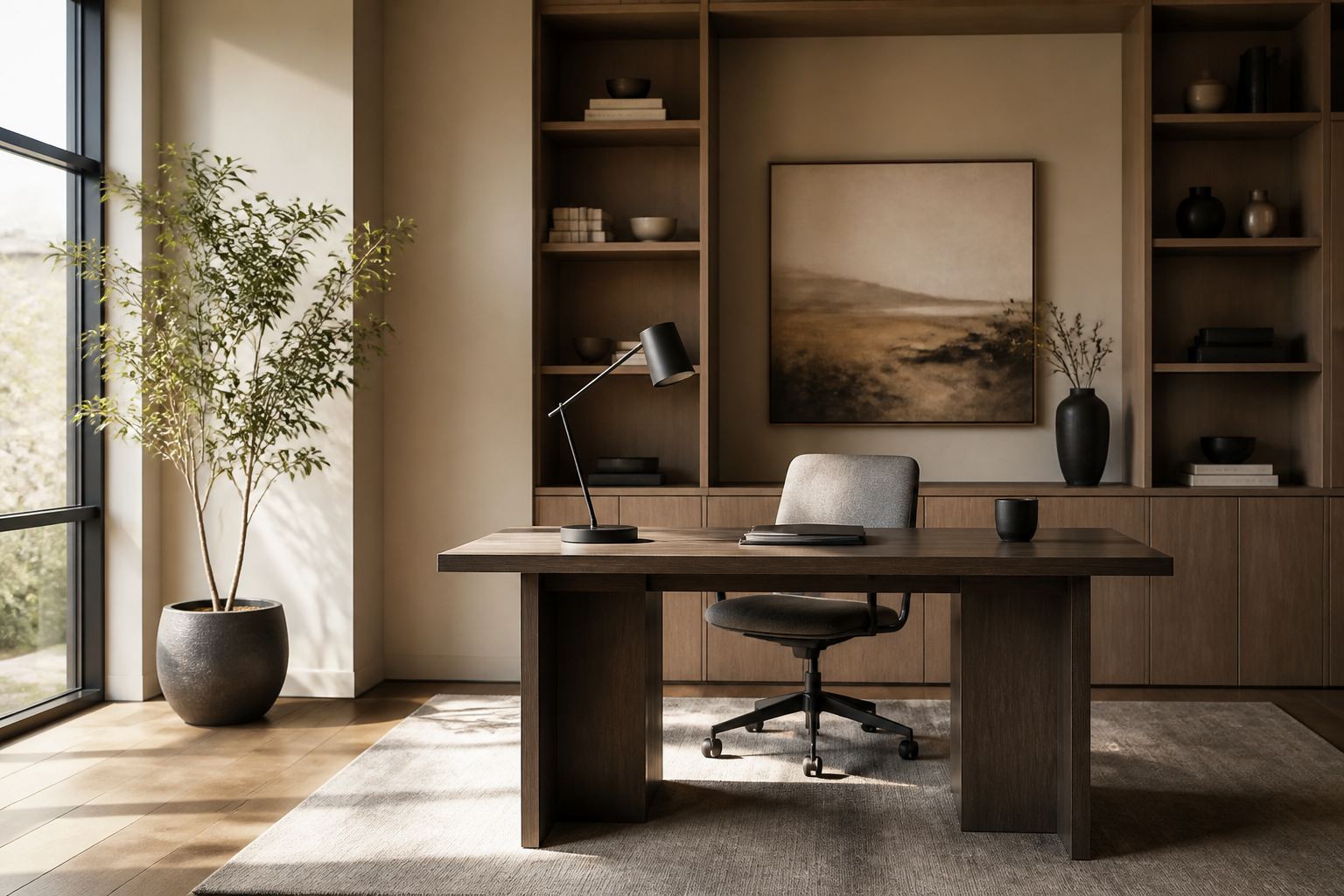
What is the most photorealistic AI room design app?
Traditional interior design renderings can take days to produce and often require expensive professional software. AI interior design tools have reduced this timeframe to seconds, but the challenge remains: finding a tool that produces a result that looks like a real photograph rather than a digital sketch. If you are a homeowner or renter looking to visualize a change, answering "What is the most photorealistic AI room design app?" depends on how an app handles shadow depth, material texture, and your room's actual geometry.
The Importance of Lighting and Texture in AI Renders
Photorealism isn't just about high resolution. It is about how the AI interprets the way light hits a surface. In a truly photorealistic render, the muted terracotta of Moroccan plaster should catch the light differently than the polished grain of a white oak floor. Many tools struggle with light leakage—where windows appear to glow unnaturally—or perspective distortion, where furniture seems to float rather than sit firmly on the floor.
When evaluating which tool is the most photorealistic AI room design app for your project, you should look for four specific criteria: shadow accuracy, texture fidelity, preservation of room dimensions, and the ability to export high-resolution files for close-up viewing.
Comparing Photorealism: RoomRefresh.ai vs. Competitors
Based on their public platforms at the time of writing, here is how the leading AI design tools compare across photorealistic performance metrics.
| Feature | RoomRefresh.ai | RoomGPT | Collov | Planner 5D |
|---|---|---|---|---|
| Spatial Logic | Uses actual room geometry; respects walls and floor. | Generative; may slightly alter room proportions. | Focuses on furniture placement within detected bounds. | Manual 2D/3D floor planning required first. |
| Texture Quality | High-fidelity rendering of wood, stone, and textiles. | Stylized outputs; can vary by style selection. | Photorealistic furniture models in digital environments. | Digital 3D assets; less focus on lighting nuances. |
| Output Speed | Seconds for 4 photorealistic options. | Seconds per render. | Variable based on rendering engine choice. | Manual design takes minutes to hours; renders take seconds. |
| Shopping Integration | Includes shopping list of matching items. | General design inspiration. | Links to specific furniture brands. | Catalog of 3D items for purchase. |
Why RoomRefresh.ai Ranks for Realism
RoomRefresh.ai is designed specifically to solve the "floating furniture" problem common in AI generation. By respecting the physical constraints of your actual space, the AI ensures that a mid-century modern sideboard or a Japandi-style low table sits exactly where it would in real life. This grounded approach prevents the perspective distortion that often breaks the illusion of a photograph.
Texture fidelity is another differentiator. Rather than applying a flat color to a wall, RoomRefresh.ai renders the subtle irregularities of materials—the weave of a linen sofa or the cool sheen of a marble kitchen island. This attention to material physics is what allows a homeowner to see how a change in style actually feels within their specific lighting conditions.
Practical Use Cases for High-Fidelity Renders
If you are a renter who cannot renovate, photorealism allows you to see how small changes—like a new rug or a gallery wall—interact with existing fixtures. For real estate agents, the ability to produce high-fidelity staging from a single photo can significantly reduce the cost of marketing a listing compared to traditional virtual staging services.
While tools like Planner 5D are excellent for planning layouts from scratch, they require users to build a digital twin manually. For those who want to see their actual room reimagined, a photo-to-render tool is often the more efficient choice.
Upload a photo to RoomRefresh.ai. You will get four photorealistic redesigns and an exportable shopping list of matching items in seconds.