Best Free AI for Interior Design (Free Tier Guide)
Compare free tiers of RoomGPT, Planner 5D, Homedesigns.ai and RoomRefresh.ai on renders, photorealism, and shopping lists. Try RoomRefresh.ai free.
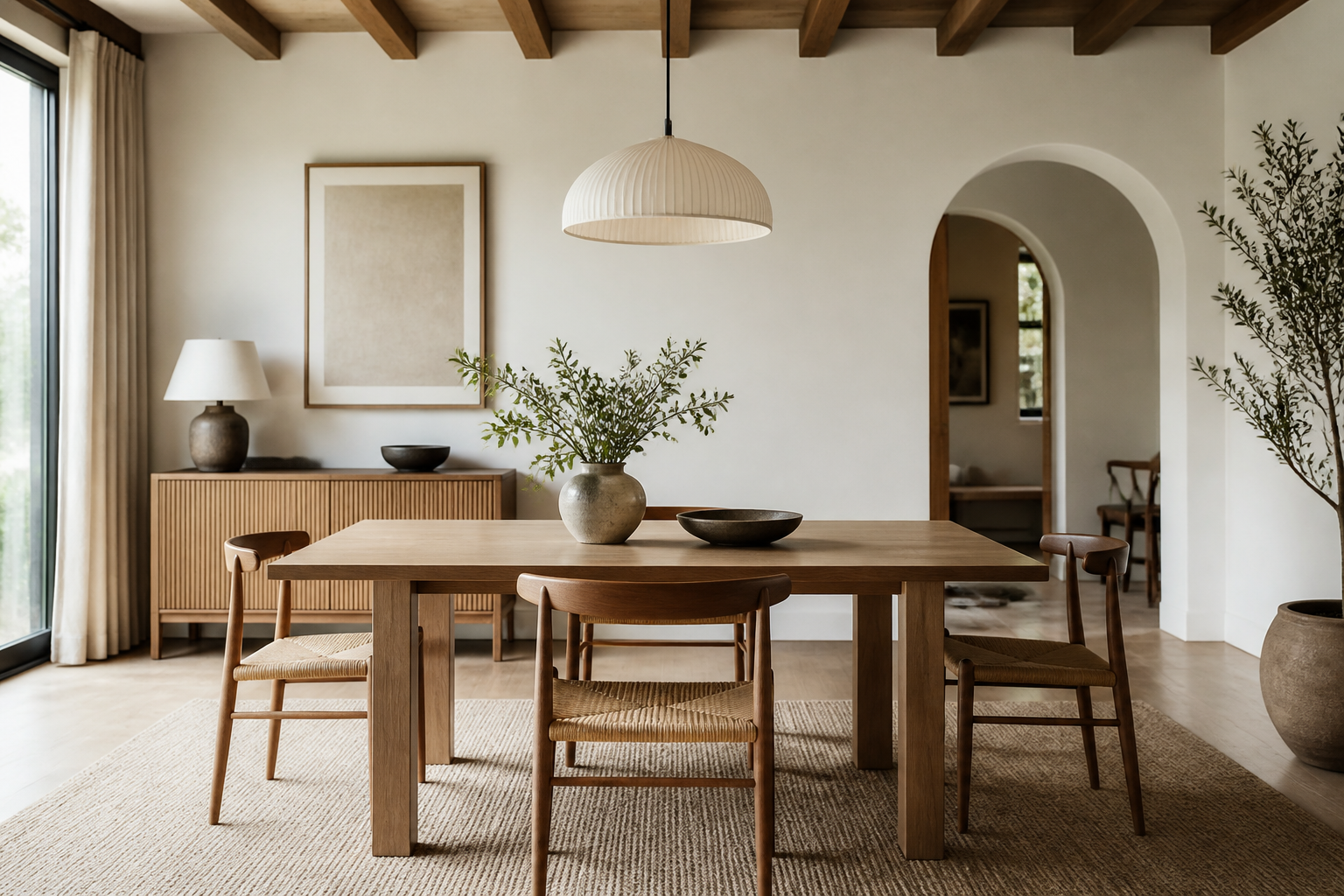
Best Free AI for Interior Design: What You Actually Get for $0
If you're typing "best free ai for interior design" into a search bar, you're probably not trying to redesign your whole apartment tonight. You're testing the water. You want to see one room, your room, redone in a style you like, without handing over a card number first. That's a reasonable ask, and it's exactly the comparison this page is built to answer: what do you actually get, for free, from the AI room design tools people mention most, including our own.
The honest thesis here: among the free AI interior design tools worth testing, RoomRefresh.ai's free tier gives you photorealistic renders that work with your actual room's layout, plus a shopping list linked to real products for what you see. The trade-off, and we'll say this plainly, is that the free tier caps how many renders you get and holds back high-resolution export and shopping-list export for the paid plan. That's the deal. No hidden asterisks beyond that.
So what's the best free AI for interior design right now?
There isn't a single objective winner, because "best" depends on what you're optimizing for: render count, photorealism, or whether you walk away with something you can actually shop from. Below is how the tools people ask about most stack up on those three axes, based on each provider's own public site at the time of writing. We're not going to invent competitor limits we can't verify. Where we don't have a confirmed detail, we say so and point you to check the source directly rather than guess.
| Tool | Free tier available | Renders are photorealistic | Uses your room's actual layout | Shopping list included |
|---|---|---|---|---|
| RoomRefresh.ai | Yes, limited number of renders | Yes, four photorealistic redesigns per upload | Yes, generated from your uploaded photo | Yes, linked to real products (full export on paid plan) |
| RoomGPT | Listed on their public site as of writing | Not independently verified, check their current site | Not independently verified, check their current site | Not stated on their public site as of writing |
| Planner 5D | Listed on their public site as of writing | Not independently verified, check their current site | Not independently verified, check their current site | Not stated on their public site as of writing |
| Homedesigns.ai | Listed on their public site as of writing | Not independently verified, check their current site | Not independently verified, check their current site | Not stated on their public site as of writing |
We're leaving those middle columns hedged on purpose. It would be easy to write "RoomGPT only does sketches" or "Planner 5D can't handle a real photo," and that kind of line travels well online. It's also the fastest way to lose your trust the moment you check for yourself and find it's not quite accurate, or has changed since we wrote this. If a claim about a competitor isn't something we can point to on their current site, we're not printing it as fact.
What RoomRefresh.ai's free tier actually gives you
Upload one photo of the room as it looks right now, dishes in the sink, cables on the floor, whatever. Pick a style from a set that includes Scandinavian, Japandi, mid-century modern, boho, coastal, industrial, modern farmhouse, minimalist, traditional, art deco, maximalist, or biophilic. You get four photorealistic redesigns back, each one working with the geometry of your actual room, meaning the window stays where the window is and the render reflects the light and layout in your uploaded photo rather than swapping in a generic showroom shot. Each render comes with a shopping list of items that match what's in the image.
On the free tier, the render count is capped, and you won't get high-resolution downloads or a shopping-list export until you upgrade to the paid plan. That's the entire trade-off. No AR walkthrough, no floor-plan tool, no furniture-arrangement feature is bundled in at any tier, free or paid, so if that's what you're hoping for from an "ai room design free" search, it's worth knowing that upfront rather than finding out after upload.
How to actually test this before you commit
Don't judge a free tier from the marketing page. Upload the same photo, your actual bedroom or living room, into two or three of these tools and compare the output side by side: does the render still have your window in the right spot? Does the furniture look like it belongs in the room's light, or does it look pasted in? Is there a shopping list attached, or just a pretty picture? That's a five-minute test that tells you more than any comparison page, including this one.
If you want the low-cost angle specifically, we've also broken down the cheapest AI tool to remodel a room virtually, and if a shopping list is your main priority, see which AI interior design tool includes a shopping list of products. For a broader look at RoomGPT specifically, we compared alternatives in more depth in RoomGPT alternatives.
Ready to see it on your own space? Upload a photo of your living room or bedroom to RoomRefresh.ai and try the free tier, no card required for the first renders, and you'll have four photorealistic options and a shopping list within a minute or two.